SMETA Approved Corporate Gifts
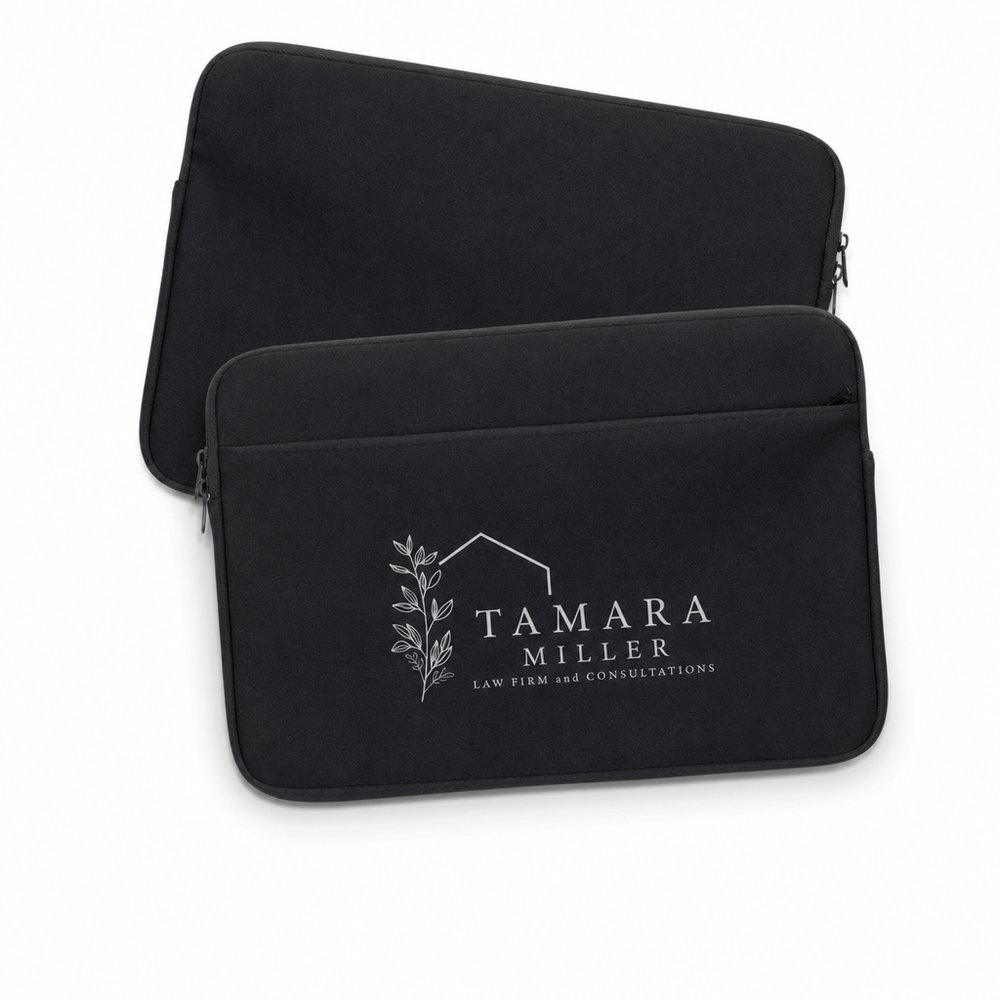
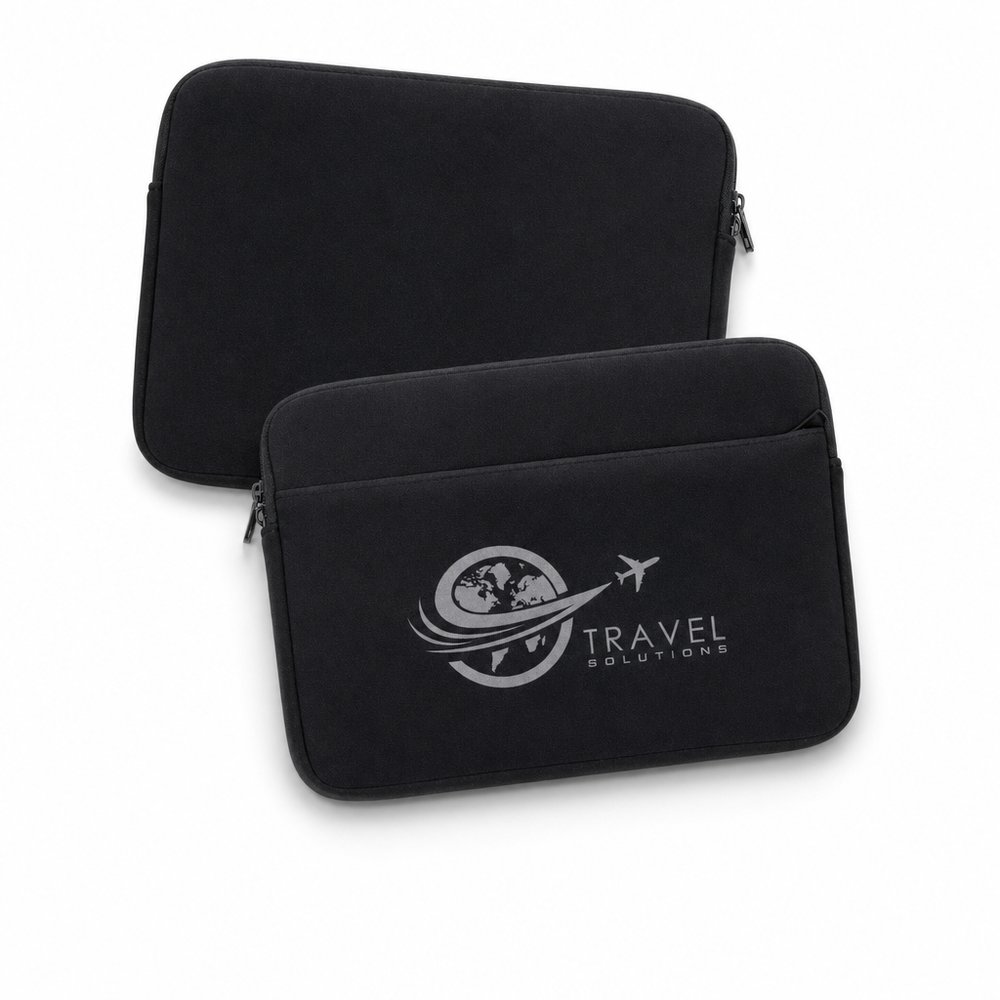
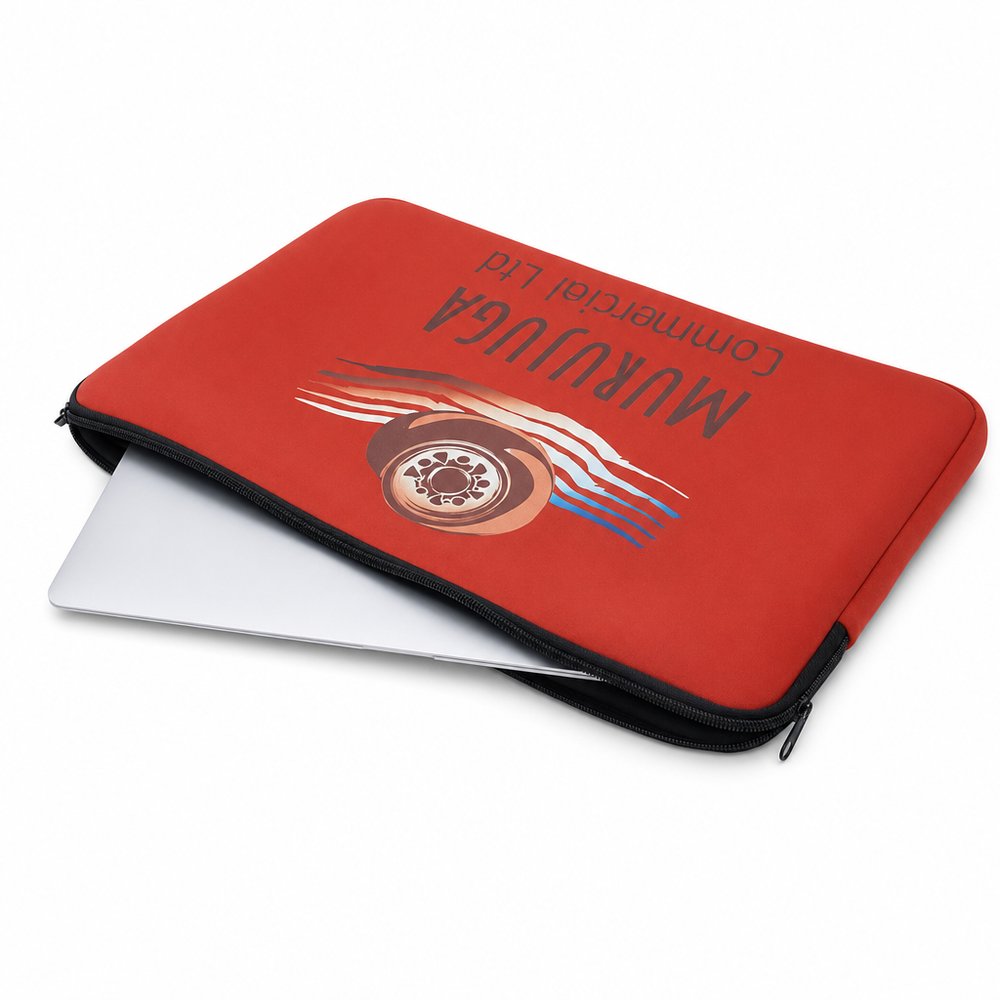
Custom Neoprene Laptop Sleeve 16" — Branded
From AU$15.10 ex GSTMOQ 50
Sense2 supplies custom laptop sleeves with your branding, across neoprene, RPET and canvas options. The practical starting point is the actual device: check the sleeve's internal dimensions against it, then confirm the closure and the printable face. Decoration methods vary by item, so request a quote for the specific sleeve, quantity and artwork before assuming a print method.
10 products match this collection.

Source: ASI Global Advertising Impressions Study, 2026/2027 edition (US consumers) · All 19 product families · Compiled by Sense2 from the study's published tables · checked 23 Sept 2026. Category averages from a US consumer survey, not a forecast for any one product or campaign. Research provided by the Advertising Specialty Institute, ©2026.. Figures quoted as published; we do not adjust them.
Measure the laptop first, then compare that measurement against the sleeve's internal dimensions, not the outer ones. Decide the role: a neoprene sleeve slipped into a larger bag behaves differently from a canvas one carried on its own. Ask what closure the sleeve uses and how the device goes in and out. Ask which face can be printed and how much area is available before drawing the artwork.
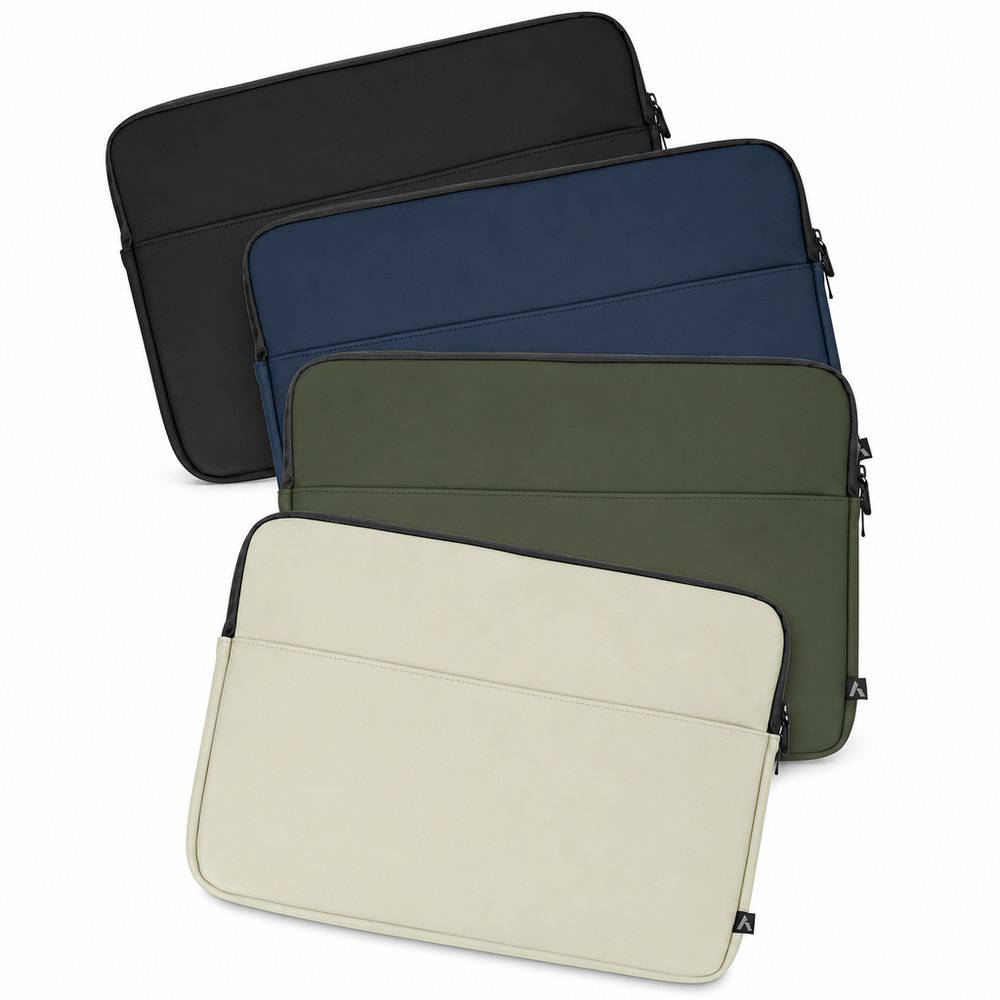
Then choose the material and decoration together. Neoprene, RPET, canvas and a soft-touch PU finish appear in this selection, so ask for the specifics of the item you pick. Confirm which branding method is available for the item you pick, since methods differ across the range. Share artwork, colours, quantities and the required date with Sense2, review the digital artwork proof before production, and remember setup and freight are quoted separately.
| Type | Best for | Brand feel | Typical use |
|---|---|---|---|
| Neoprene sleeve | A soft carry layer inside another bag | Smooth and understated | Daily laptop carry inside a bag |
| RPET sleeve | A sleeve with several listed decoration options, including embroidery | Modern, recycled-polyester look | Team kits and office-issue sets |
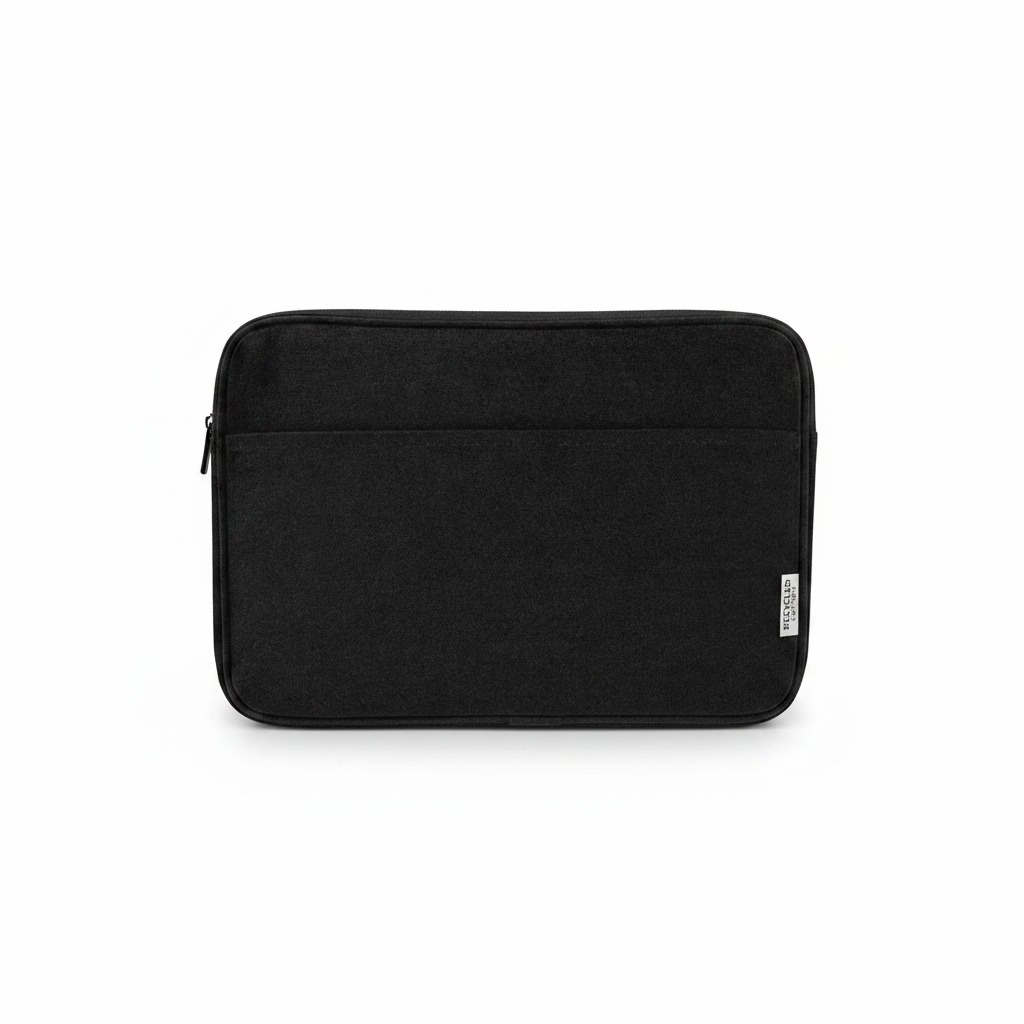
| Canvas sleeve | A textured, embroidered look | Classic and tactile | Everyday commuter carry |
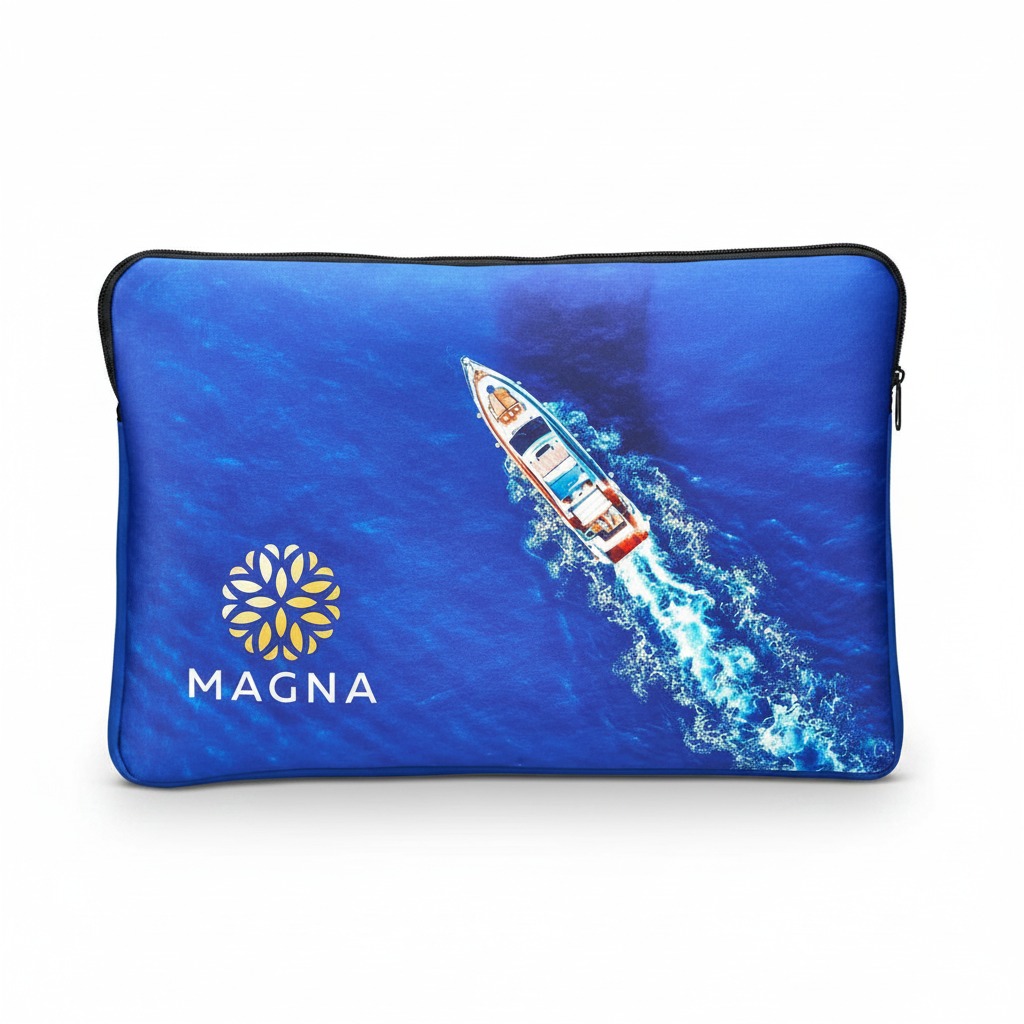
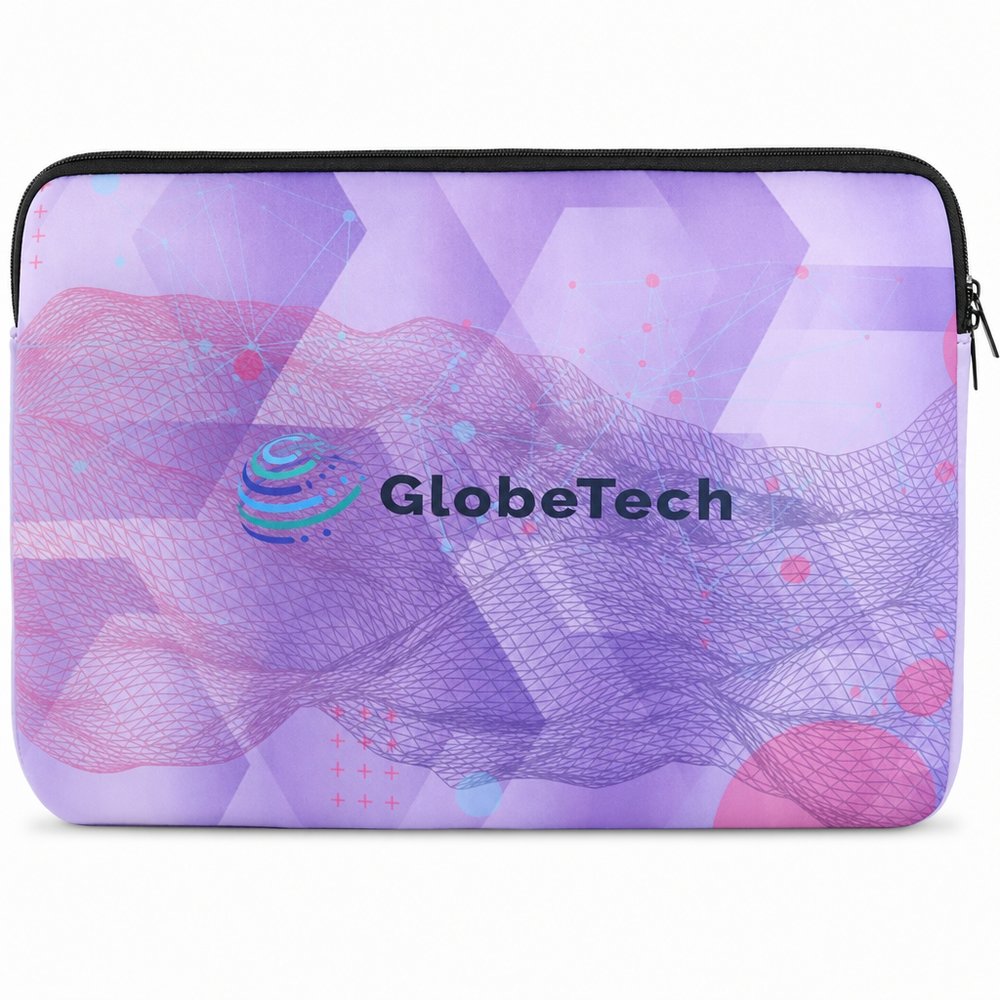
| Digitally printed sleeve | Full-colour artwork coverage | Graphic and flexible | Event and campaign designs |
Right now Laptop Sleeves carries the lowest From price in this collection: from AU$10.15 ex-GST. The From price is the unit price at higher quantities; the minimum order is stated on the product. Get the exact unit price for your quantity from its quantity breaks: https://sense2.com.au/product/18737
 Laptop Sleeves
Laptop Sleeves has the shortest production window in this collection: 0–3 weeks from artwork approval, from AU$10.15 ex-GST. Production starts once you approve the proof; freight time depends on your destination and is quoted with the order. https://sense2.com.au/product/18737
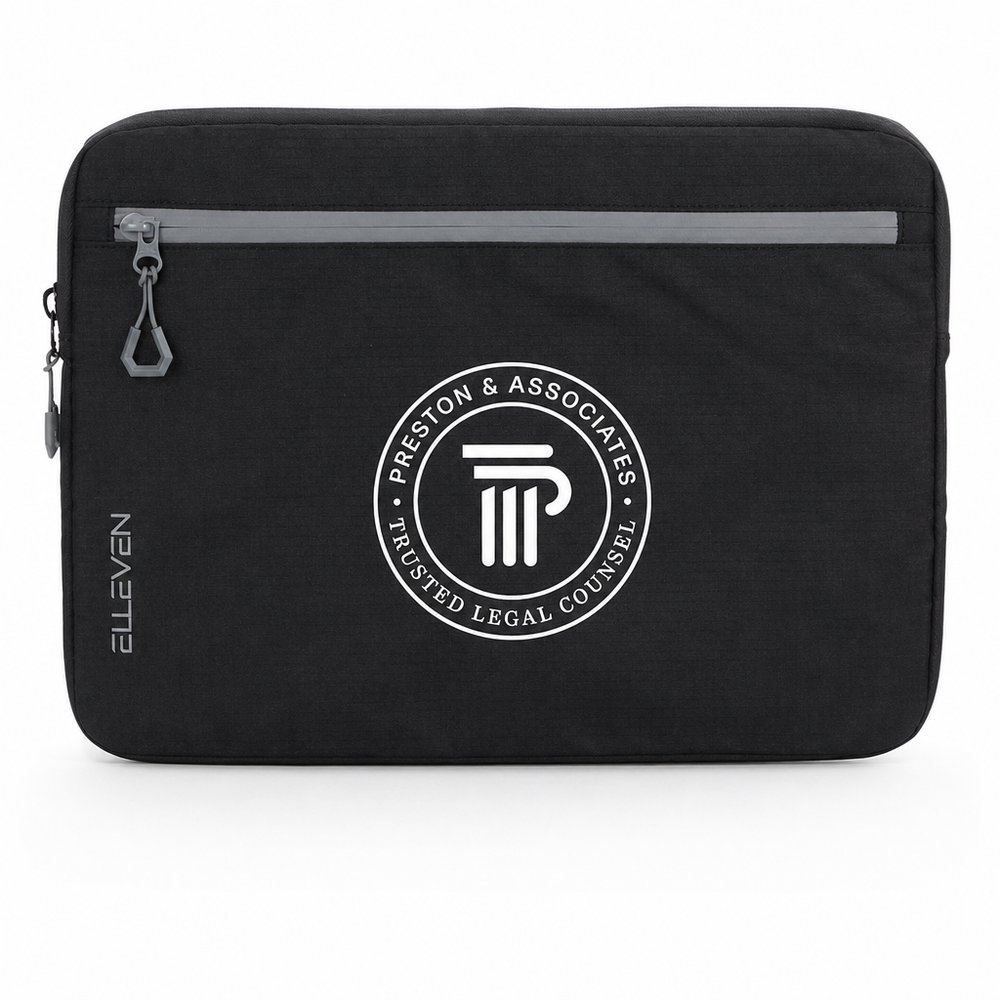
Laptop SleevesElleven Recycled 16" Laptop Sleeves (600D rPET, Dual-Zip) is the premium pick in this collection (from AU$16.01 ex-GST) — the finish Sense2 recommends for leadership teams, board-level clients and milestone gifts. To compare it against the lowest-priced option, ask for both prices at your quantity. https://sense2.com.au/product/18934
 Elleven Recycled 16" Laptop Sleeves (600D rPET, Dual-Zip)
Minimums start at 50 units in this range; each product states its own minimum order. Unit price depends on quantity, so ask for a stepped quote across the quantities you are weighing up.
The branding methods listed across this range are sublimation print and embroidery. Sense2 supplies the finished item with your branding applied as one order; the print area and positions are stated on each product page, and you approve an artwork proof before production starts.
From under a week for stocked express lines up to 3 weeks from artwork approval, depending on the product — each product page states its own production window. Freight time depends on your destination and is quoted with the order.
Yes — samples are available at AU$17 incl GST each, and we refund the sample cost on orders of 100+ units — so the sample effectively costs nothing once you order. Branded pre-production samples can be quoted on request.
Yes. If you show Sense2 an Australian competitor's advertised price for an identical product, we verify it and match it — the guarantee covers promotional merchandise resellers operating in Australia and excludes clearance, seconds and manufacturer pricing. Details are in our terms.
Yes — Sense2 supplies custom laptop sleeves Australia-wide, including Sydney, Melbourne, Brisbane, Perth, Adelaide, Canberra, Gold Coast and Hobart, with dispatch from our production centres and freight quoted for your destination on each order. City pages: https://sense2.com.au/locations/sydney, https://sense2.com.au/locations/melbourne, https://sense2.com.au/locations/brisbane.
Most of this range is chosen for conferences, trade shows and delegate kits. Tell Sense2 the occasion, the recipients and the quantity and we will point you to the right pieces for the brief.
Measure the laptop and compare it against the sleeve's internal dimensions, not the outer shell. Also check the closure and opening shape. Ask Sense2 which sleeve suits your device size before ordering, since the listed forms do not confirm a fit.
It depends on the item. Screen, transfer, pad, digital, dye-sublimation and embroidery appear across the range, but each sleeve lists its own options. Ask which method is available for your chosen item, then confirm the printable face and area before preparing the design.
Send the sleeve you prefer, your quantity and artwork to request a quote. Order minimums and allowed branding methods are confirmed for the specific item at quote stage. Setup and freight are quoted separately, so compare the whole order rather than a unit price alone.
Timing depends on stock availability, artwork approval, production and freight for the specific sleeve. Share your required date at the start and Sense2 will confirm the current lead time when quoting. Do not assume a fixed schedule from the catalogue listing.
Neoprene, RPET, canvas and a soft-touch PU finish appear on selected sleeves. A material name alone does not establish care requirements or resistance to wear. Ask for the product-specific material and care details if cleaning or handling matters to your plans.
Sense2 supplies the finished branded item and prepares a digital artwork proof before production. Review placement, sizing and layout, then approve in writing. The digital view does not verify the feel of the material, the exact printed shade or the fit of your device.
Picture the desk the night before a working week. The laptop slides into a sleeve, the sleeve into a tote, and the whole thing disappears until the table at a cafe. Now consider the choices behind that moment. A soft neoprene fit reads differently from a canvas one resting on the table, and an RPET sleeve carries its own texture. Where should the mark sit so it shows when the sleeve is pulled out? Does the design want a full-colour face or a single clean print? Ask those questions against the actual device and the artwork finds its place.
Packed into a larger tote
Compare internal dimensions and closure type so the laptop and artwork both sit well.
On a cafe table
Choose the material and print placement for the face that shows when the sleeve is opened.
Issued with a team kit
Confirm the decoration method for the selected sleeve and quote each kit item separately.
Find it. Love it. Brand it.
Send us your product idea, quantity, logo, deadline and delivery location, and Sense2 can help you find promotional products, corporate gifts or branded merchandise that feel creative, useful and right for your audience.
Find it. Love it. Keep it.